


CHOP SHOP!!!


Thread Starter
Joined: Feb 2007
Posts: 105
From:
 CHOP SHOP!!!
Well Since my request was a success I will right alittle bit about the Chopshop.
The Chopshop is a place for all you Mitsubishi forum lovers to come and request Chops and sigs of your cars. You can ask for a Part to be digitally "Chopped" onto your car, or a color change, or a signature to carry around the forum with pride. All this is done for free so lucky you .
.
For best Chop results:
1. Supply good sized, clear pictures of your car.
2. Suppy donor pictures of what you would like to be put on, and at the same, or close to the same angle.
For Best sig results:
1. Supply good sized, clear pictures of your car.
2. Give a breif description of what you would like. (not too complex)
Always be polite and patient. Remember the people doing the chops are doing them out of the kindness of heart and doing it in their FREE TIME. Noone is being paid to do this work for you. So atleast be nice to them.
Examples of Chops done on other forums (not my work, I have not mastured the skill of chopping yet) :
(pic on the top left is original)

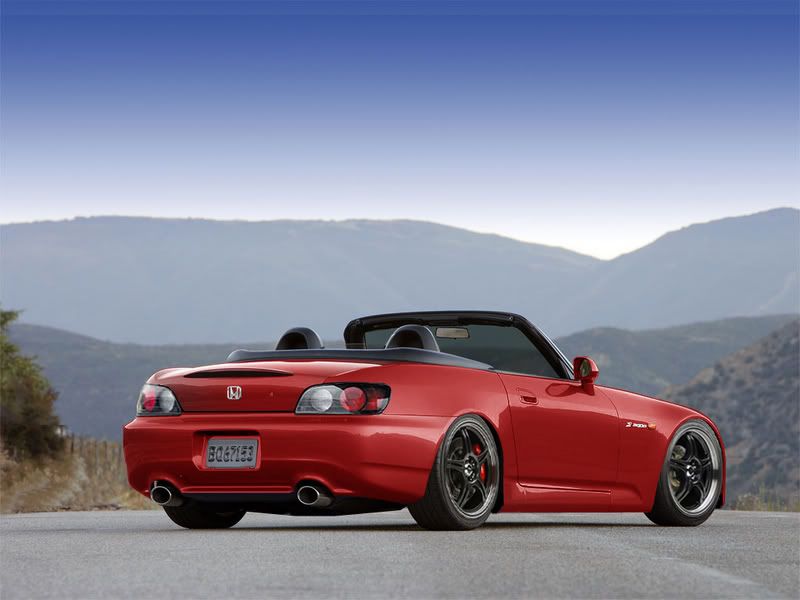
Original:

Chopped:

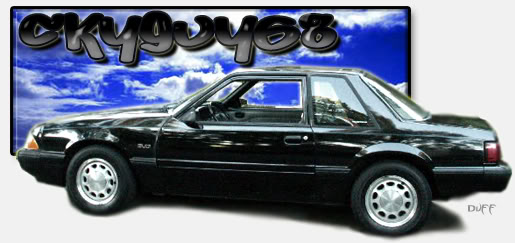
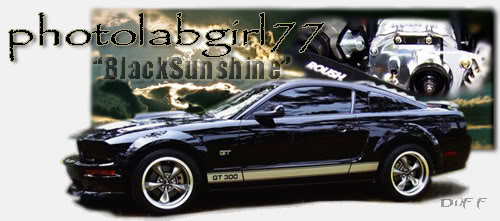
Sigs (these are all my work from a Mustang and Honda site):



Well thank you for looking and thank you MF for making a Chopshop.
The Chopshop is a place for all you Mitsubishi forum lovers to come and request Chops and sigs of your cars. You can ask for a Part to be digitally "Chopped" onto your car, or a color change, or a signature to carry around the forum with pride. All this is done for free so lucky you
. For best Chop results:
1. Supply good sized, clear pictures of your car.
2. Suppy donor pictures of what you would like to be put on, and at the same, or close to the same angle.
For Best sig results:
1. Supply good sized, clear pictures of your car.
2. Give a breif description of what you would like. (not too complex)
Always be polite and patient. Remember the people doing the chops are doing them out of the kindness of heart and doing it in their FREE TIME. Noone is being paid to do this work for you. So atleast be nice to them.
Examples of Chops done on other forums (not my work, I have not mastured the skill of chopping yet) :
(pic on the top left is original)
Original:
Chopped:
Sigs (these are all my work from a Mustang and Honda site):
Well thank you for looking and thank you MF for making a Chopshop.

Thread Starter
Joined: Feb 2007
Posts: 105
From:
RE: CHOP SHOP!!!
ORIGINAL: estraw
how did you do the rear bumper on the s2000 tho? did you have to crop it to look right? or did you just find one that was at the right angle already?
how did you do the rear bumper on the s2000 tho? did you have to crop it to look right? or did you just find one that was at the right angle already?
But Im guess they used Free Transform (Ctrl +T)


Super Moderator
Joined: Jan 2006
Posts: 11,758
From:
RE: CHOP SHOP!!!
You use Adobe Photoshop. Lately i have been trying to learn alot of how to do things such as color changes of cars (which isnt all that difficult) and then other things like removing and adding parts to a car. It really is ALOT of work to do this stuff so when soneone helps you out with a chop, realize it took them time to do it, so be appreciative


Joined: Aug 2006
Posts: 392
From:
RE: CHOP SHOP!!!
another way to select stuff is either selecting a channel in the channel palette(under the layers palette), making it like estraw did, selecting it using various selection tools, and you could just go into a hue/saturation mask, and colorize it. that's the main way of doing it. there are more complex ways that are had to explain.
edit: to look at some really good "chop" photoshop work, http://www.digimods.co.uk/virtualcars.htm they do some spectacular work.
edit: to look at some really good "chop" photoshop work, http://www.digimods.co.uk/virtualcars.htm they do some spectacular work.

