


How to unlock MMCS


Member
Joined: Jan 2014
Posts: 60
 I would like to get invovled
Hi Chucki and Vadimus,
Any chance I can get an image off you with any English version for the j-01?
and or the japanese image and the kwi files to change to English?
(or just the japanses image and I will continue the hunt for the English files and method)
I just want to create a spare drive to work on and update the original when I'm confident.
After that I will participate with other test/work etc where I can help.
I'm computer literate but not a programmer.
Any chance I can get an image off you with any English version for the j-01?
and or the japanese image and the kwi files to change to English?
(or just the japanses image and I will continue the hunt for the English files and method)
I just want to create a spare drive to work on and update the original when I'm confident.
After that I will participate with other test/work etc where I can help.
I'm computer literate but not a programmer.

Senior Member
Joined: Jan 2014
Posts: 137
From: Alexandra, New Zealand

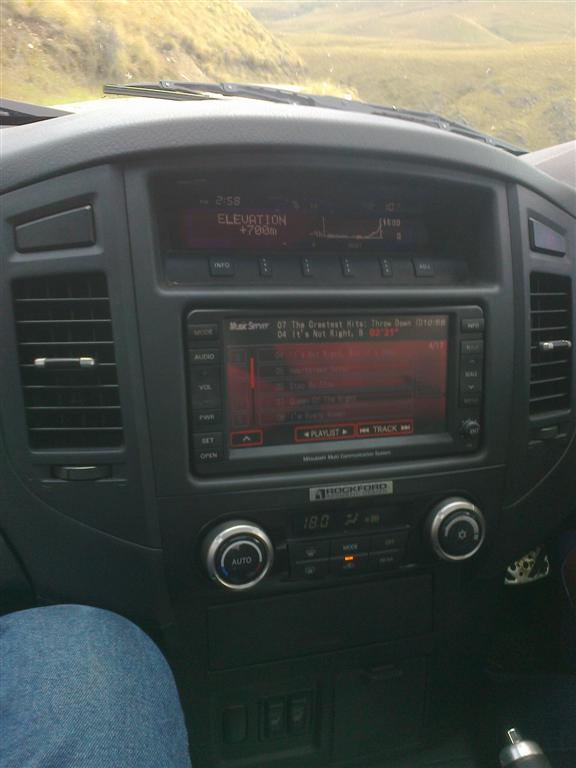
Hi, newbie here. Just comming to grips with the MMCS updates to alter versions from Jap to English. I have a 2006 Pajero which is straight off baot from Japan. Use to have one of the first MMCS in my 97 Pajero and was hoping they had an easier way to convert system. Looks like its quite involved to do this and haven't been able to find any New Zealand maps for the GPS to work. Just want to get into English for 1st step.
Thought I was computer literate but after reading through this thread I'm rather lost on what to do. Any words of advice?
Thought I was computer literate but after reading through this thread I'm rather lost on what to do. Any words of advice?

Senior Member
Joined: Jan 2014
Posts: 137
From: Alexandra, New Zealand
OK will try and follow your instructions. Might have to hold my hand a bit as its not exactly clear on how to do. I've downloaded the file and will dig into MMCS this weekend.
What do you know about the Roar kit? I chose the truck because I liked the look and had all the options I wanted. Had to do a bit of panel work to tidy up fiberglass lip and wheel arches. Painted them satin black with a rattle can and came out better than I had hoped. Pic below of front repaired and next without lip (stock look).
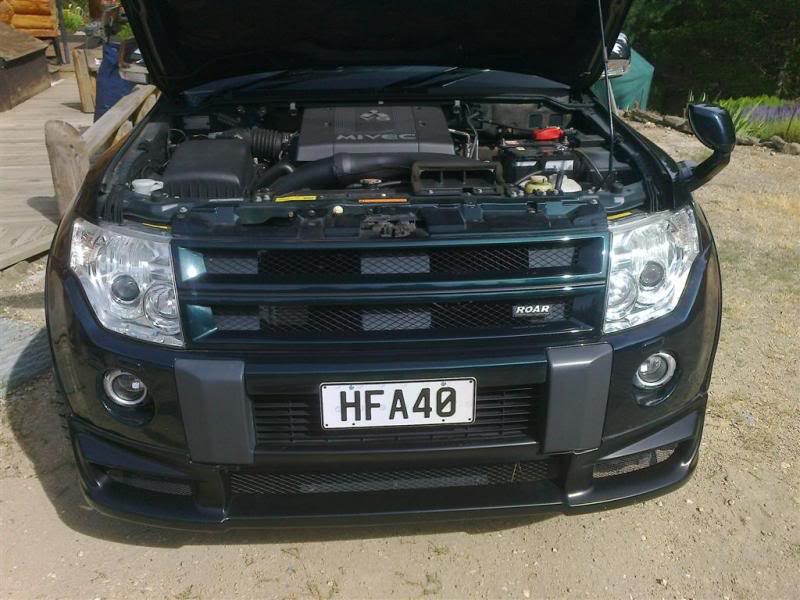
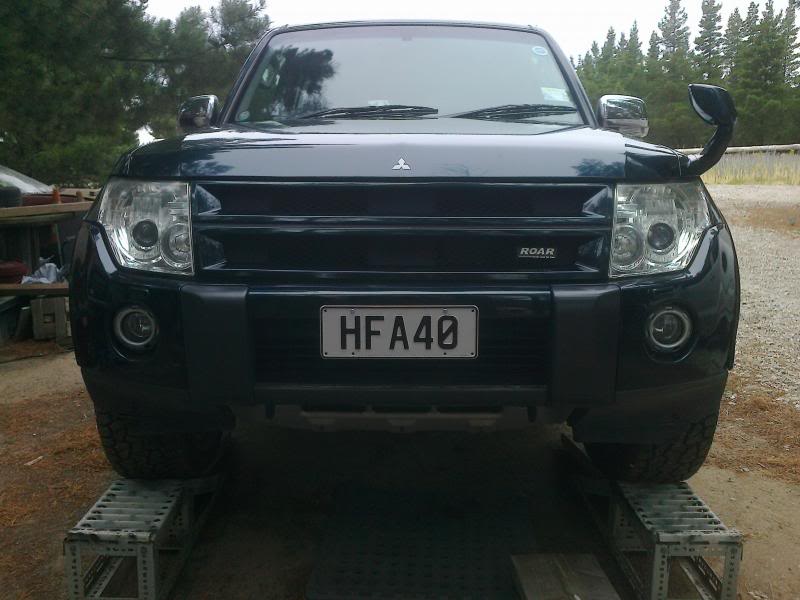
What do you know about the Roar kit? I chose the truck because I liked the look and had all the options I wanted. Had to do a bit of panel work to tidy up fiberglass lip and wheel arches. Painted them satin black with a rattle can and came out better than I had hoped. Pic below of front repaired and next without lip (stock look).


Last edited by Benckj; Jan 29, 2014 at 07:34 PM.
Senior Member
Joined: Jan 2014
Posts: 137
From: Alexandra, New Zealand
BTW I've copied the ALL DATA.KWI and LOADING. KWI files from link onto CD. Not sure if you indicated in instructions that this disk should be partitioned or Sceendata. Guess both files are used to replace existing. Assuming J-01 is for conversion of the Japanese to English translation?
Member
Joined: Jan 2014
Posts: 60
BTW I've copied the ALL DATA.KWI and LOADING. KWI files from link onto CD. Not sure if you indicated in instructions that this disk should be partitioned or Sceendata. Guess both files are used to replace existing. Assuming J-01 is for conversion of the Japanese to English translation?
j-01 is the MMCS version number. Found on the bottom right of the faceplate under the joystick.
I think after unlocking the HDD, see page 1 of this thread, there will be several partitions on the disk. One will be for screen data.
Hopefully just the files on the CD are enough and you don't need a bootable CD or anything else fancy.
I going to attempt this weekend as we'll if I get time.