


ETACS options customization


Junior Member
Joined: Jul 2012
Posts: 11
From: Istanbul, Turkey

Oh great Vadimus,
I just got my device today.
Diagbox 7.04 installed - check
Got it to communicate with my outlander - check
Can't find TPMS "Under inflation" setting.
Saw a screenshot of going to Programming by default for the setting.
Got a messages of 2 options all in french. Clicked Checked. Nothing happening.
Sinking feeling in my stomach (is this what the warning was talking about?)
Turned car on. worst fears realized. Everything has been reset.
Sent a PM for help and guidance on restoring old settings.
My gratitude in advance!
I just got my device today.
Diagbox 7.04 installed - check
Got it to communicate with my outlander - check
Can't find TPMS "Under inflation" setting.
Saw a screenshot of going to Programming by default for the setting.
Got a messages of 2 options all in french. Clicked Checked. Nothing happening.
Sinking feeling in my stomach (is this what the warning was talking about?)
Turned car on. worst fears realized. Everything has been reset.
Sent a PM for help and guidance on restoring old settings.
My gratitude in advance!
cheers,

Junior Member
Joined: Jan 2014
Posts: 1
Hi Vadimus,
I just got my outlander PHEV from the dealer and I am VERY interested in the new software. Any idea when this will be available?

Thread Starter
|
Senior Member
Joined: Sep 2010
Posts: 1,390
From: Ottawa, ON
Well, it working right now but it still requires MUT-III for reading/writing. Making it work with Actia Evo XS cable is not a fast thing and will be available not sooner then this spring.
So if you're good with your dealer they can read your config (.kon) file and then write it back once I change the settings you want. What options are you interested in?
If you're able to get your .kon file I can send you a decoded text version.
So if you're good with your dealer they can read your config (.kon) file and then write it back once I change the settings you want. What options are you interested in?
If you're able to get your .kon file I can send you a decoded text version.

Member
Joined: Nov 2012
Posts: 46
Hi Vadimus, I've tried using Etacs Decoder but it refuses to save settings under "Option Coding" and "Custom Coding" with my 2012 ASX and my friends' Lancer EXs/Fortises. It always displays a dialog box error. Here are some screenshots. Check also the link to my log below. Also, I would like to ask what the difference is between "Encode" and "Write to Etacs"? I presume "Decode" forces the software to read the settings. Thanks.
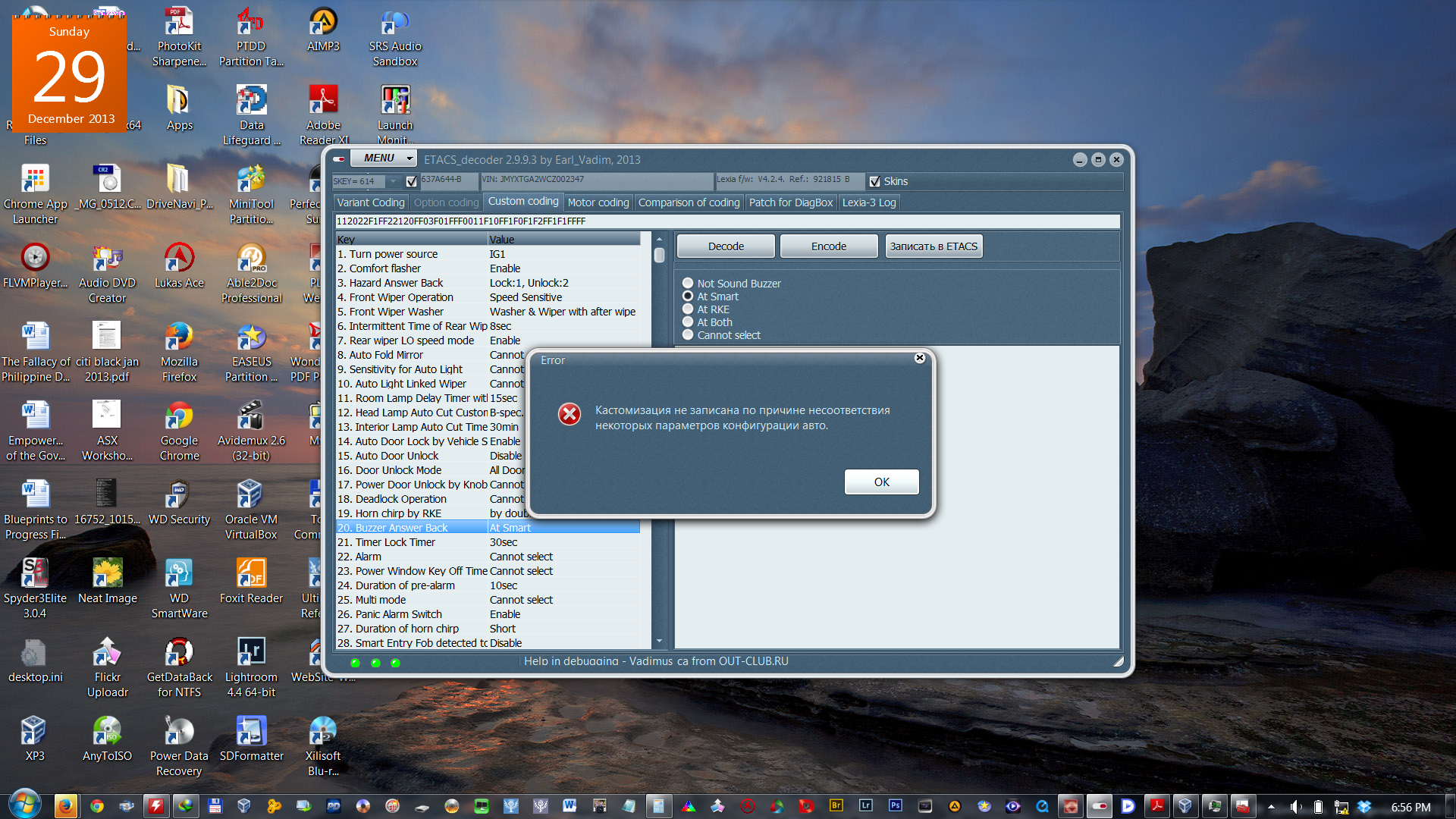
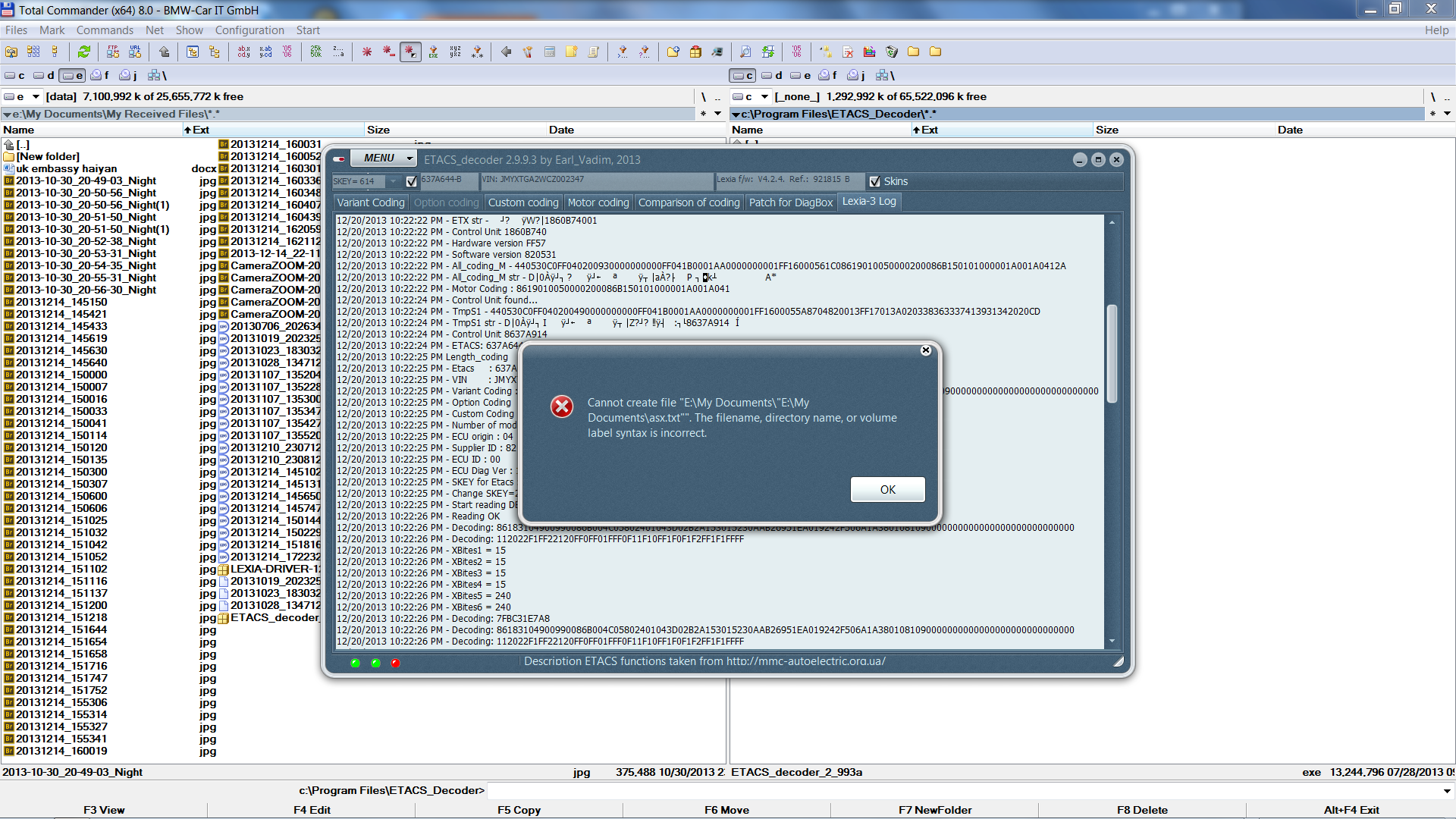
https://www.dropbox.com/s/6zvy06tni6...2012_etacs.txt
https://www.dropbox.com/s/6zvy06tni6...2012_etacs.txt
Thread Starter
|
Senior Member
Joined: Sep 2010
Posts: 1,390
From: Ottawa, ON
1st message is almost OK, at least it does not work sometimes and we're unable to figure out why. Earl_Vadim is just unable to recreate this issue with a cable he uses.
2nd message is wrong log file name, it is a known bug and it will be fixed.
Option coding is a strange thing, we don't really know what's that and why it is there. I do not see it in MUT at all. Maybe we should just remove that tab.
2nd message is wrong log file name, it is a known bug and it will be fixed.
Option coding is a strange thing, we don't really know what's that and why it is there. I do not see it in MUT at all. Maybe we should just remove that tab.
Member
Joined: Nov 2012
Posts: 46
I've been unsuccessful in trying to enable the buzzer/beep sound when locking and unlocking the doors on the Lancer EX, using both Diagbox and Etacs Decoder.
On the ASX, I've tried changing the window type to P1 and enabling Multimode, to no avail. The windows just won't close (hold or press lock button twice after initial locking) using these settings. Is this a hardware thing?
On the ASX, I've tried changing the window type to P1 and enabling Multimode, to no avail. The windows just won't close (hold or press lock button twice after initial locking) using these settings. Is this a hardware thing?
Member
Joined: Nov 2012
Posts: 46

Junior Member
Joined: Aug 2013
Posts: 11
Have you set "Electronic Power Steering ECU" under "Programming by Default" to "Present"?
I think there's a Power Steering menu outside BSI (together with Gearbox, ABS, Theft Alarm, etc.) and you might be better off changing the settings there.
You can also try changing the settings under the Airbag menu under BSI and reading and clearing the faults one by one.
I think there's a Power Steering menu outside BSI (together with Gearbox, ABS, Theft Alarm, etc.) and you might be better off changing the settings there.
You can also try changing the settings under the Airbag menu under BSI and reading and clearing the faults one by one.
I will def be playing around with the ETACs decoder to fix one last issue that I just realized. The lock/unlock button at my driver and passenger door handle does work. My keyfob blinks the red light when I push the handle door buttons but does not unlock or lock the car. The keyfob buttons work fine.